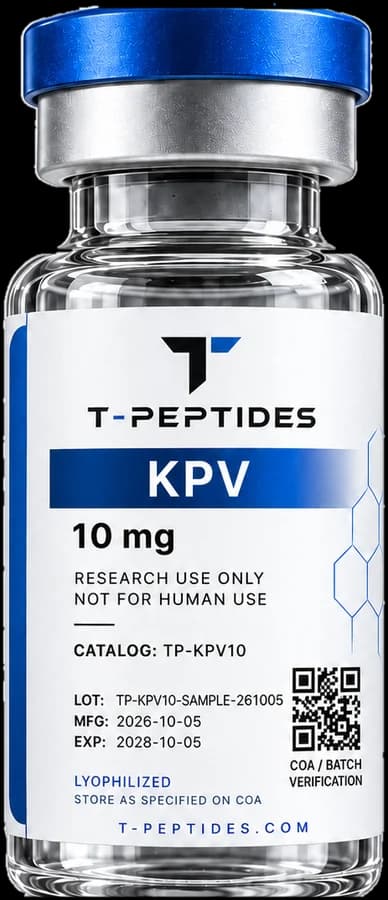
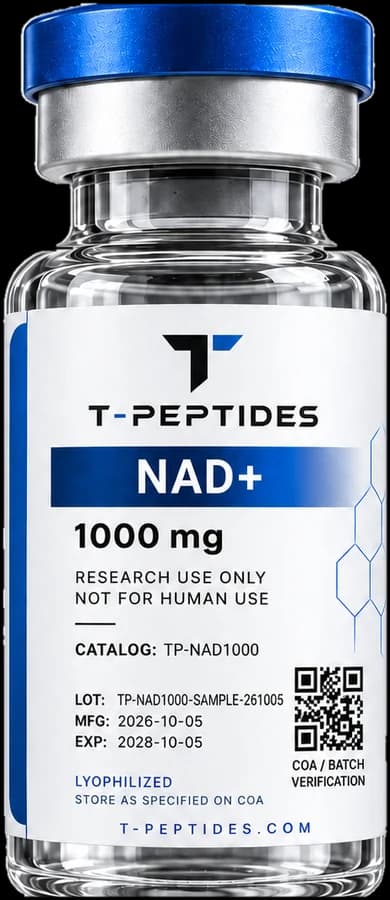
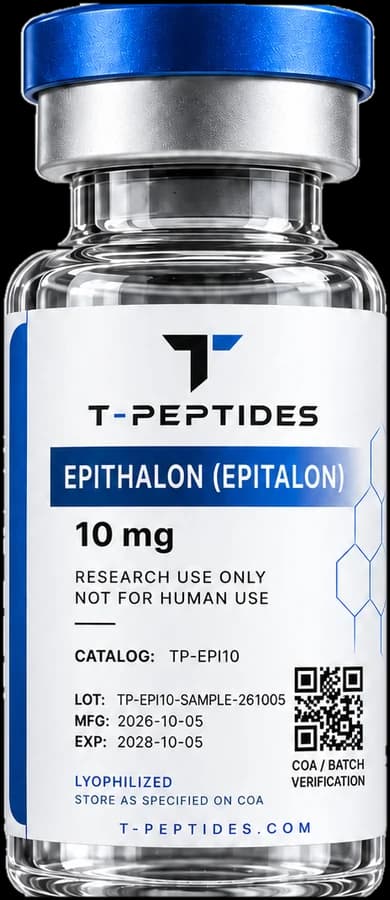
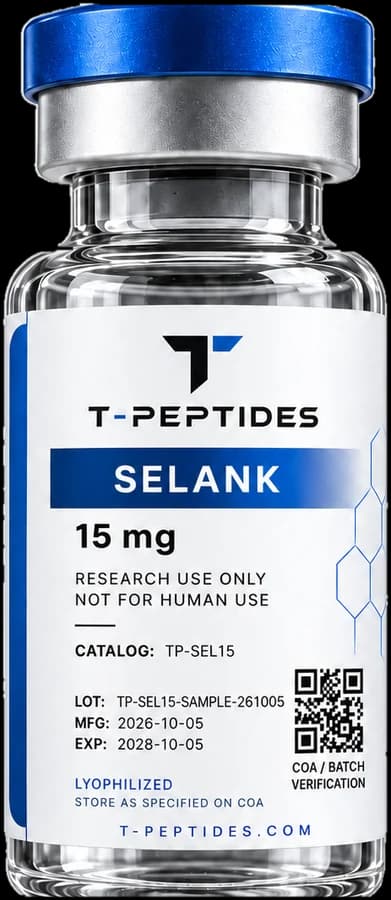
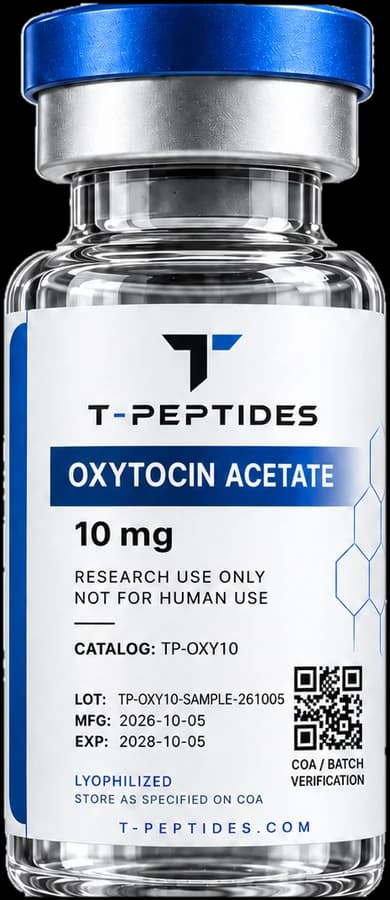
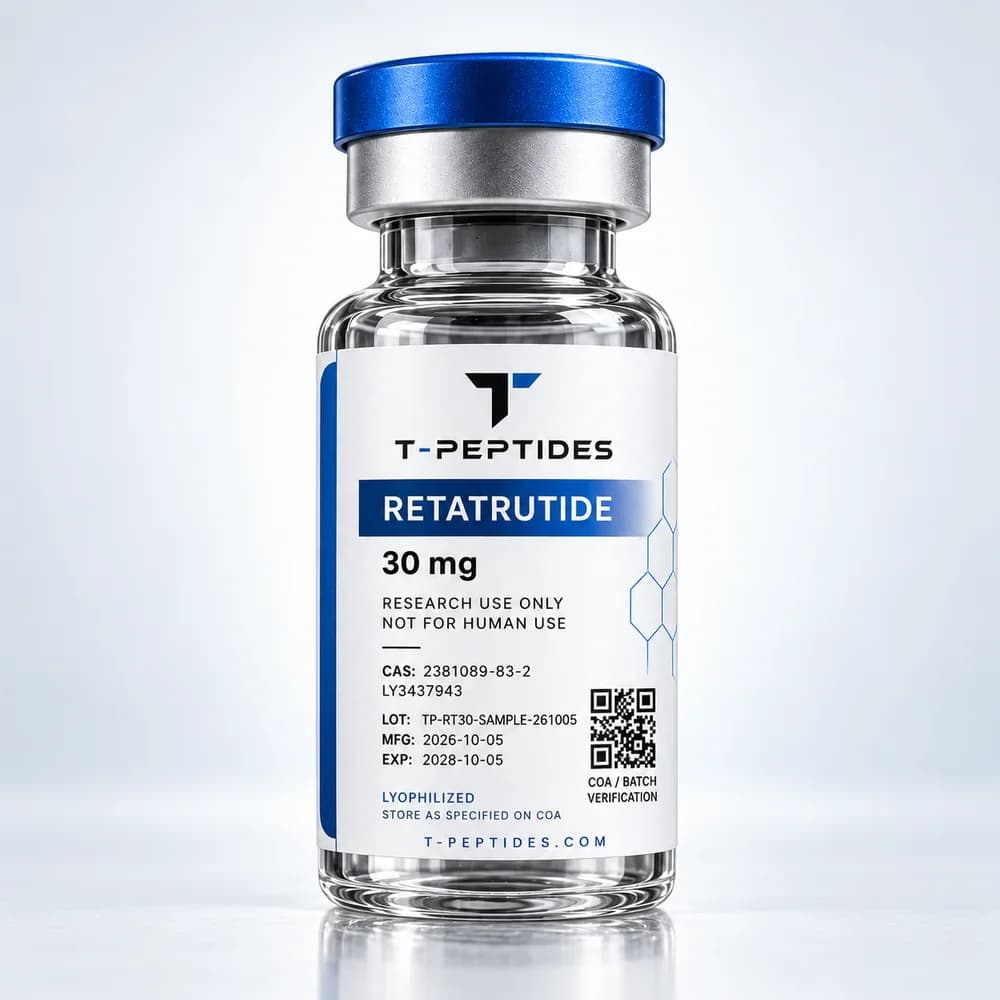
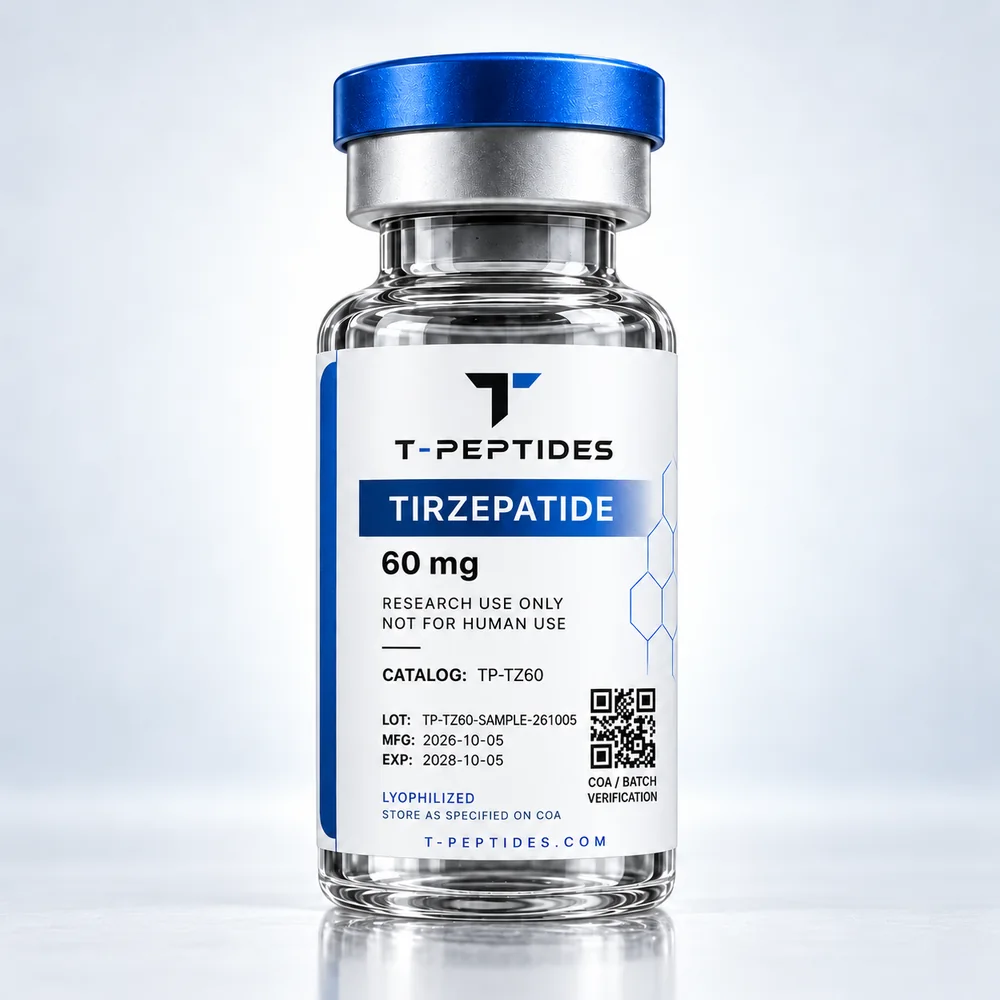
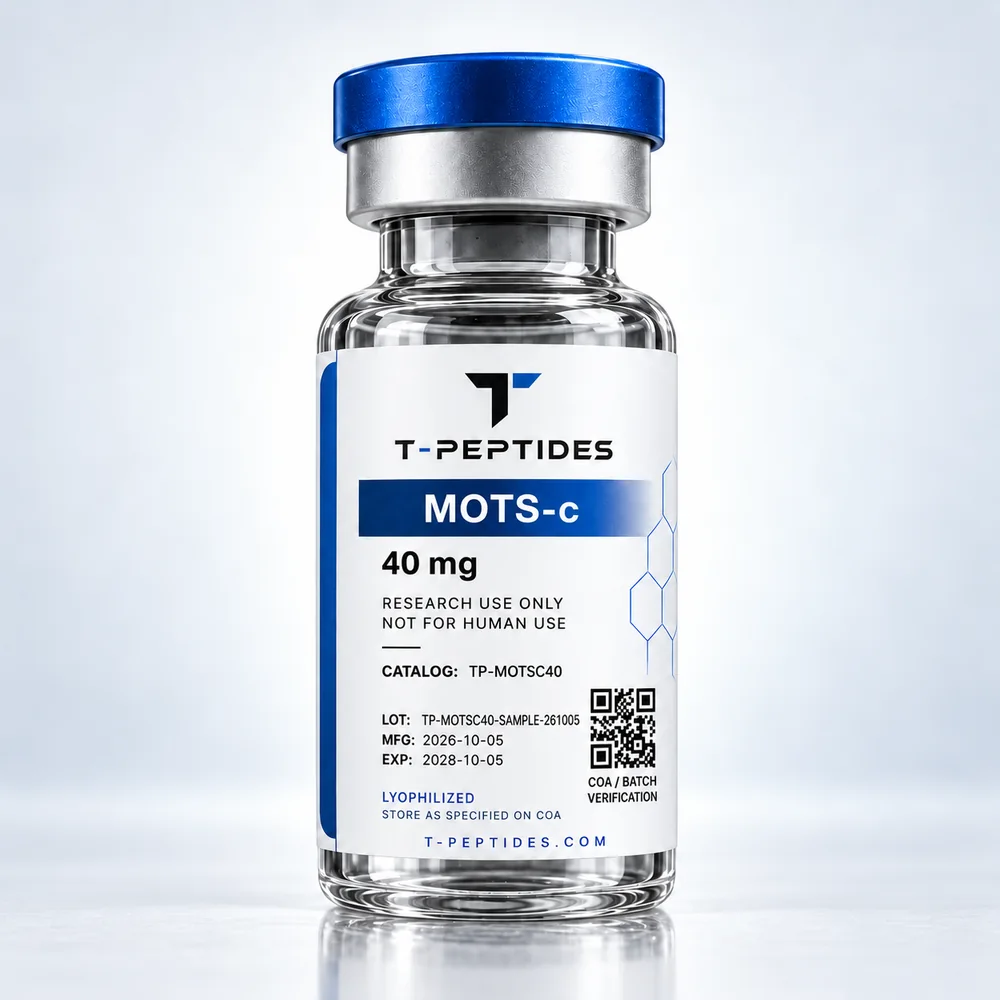
Batch verification
Verify
the product.
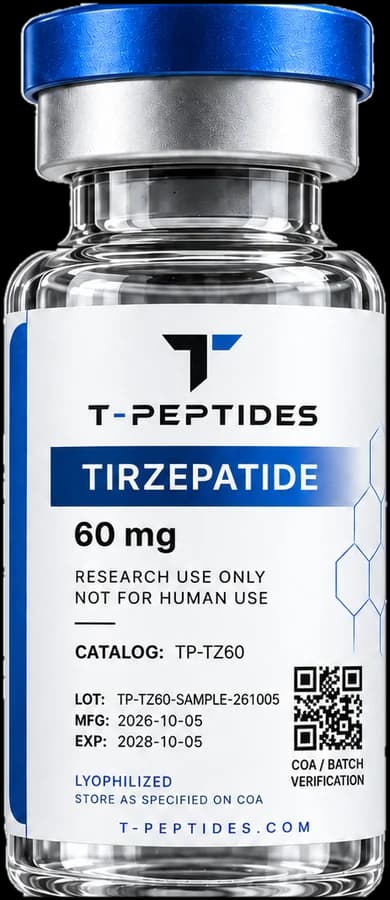
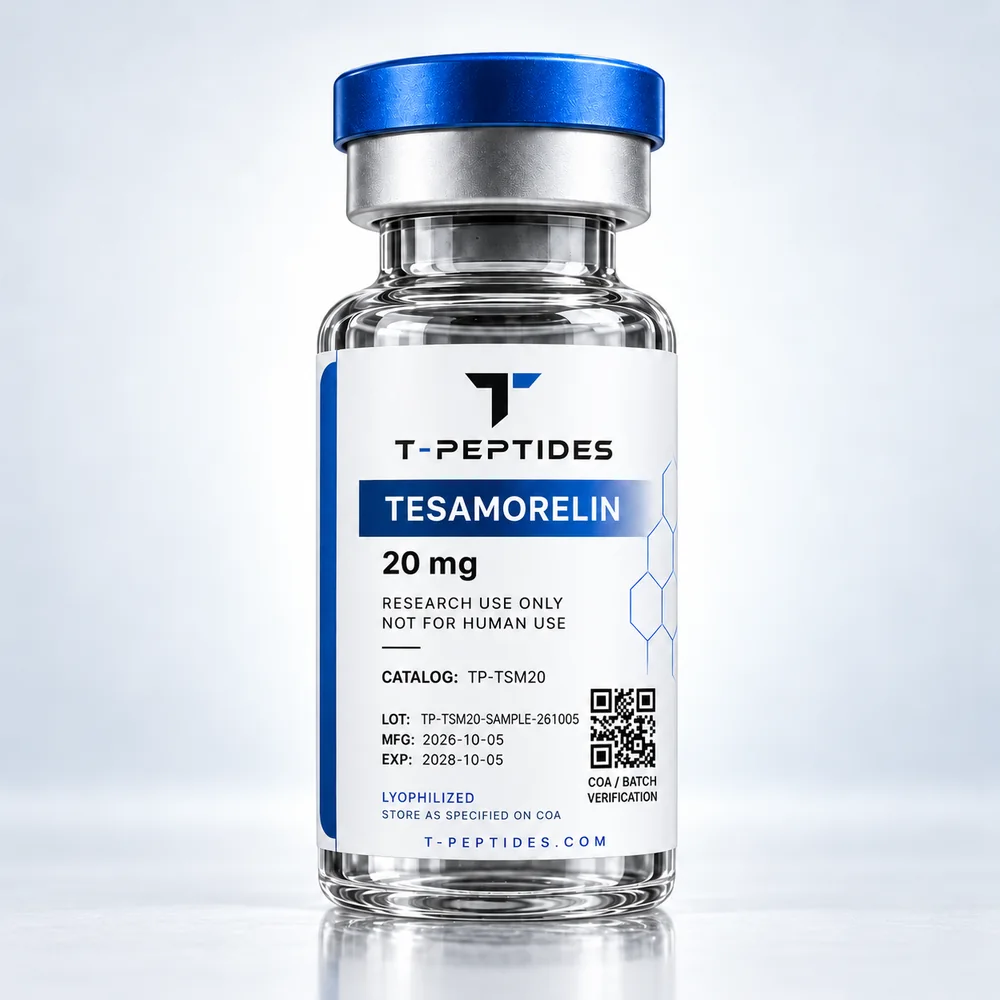
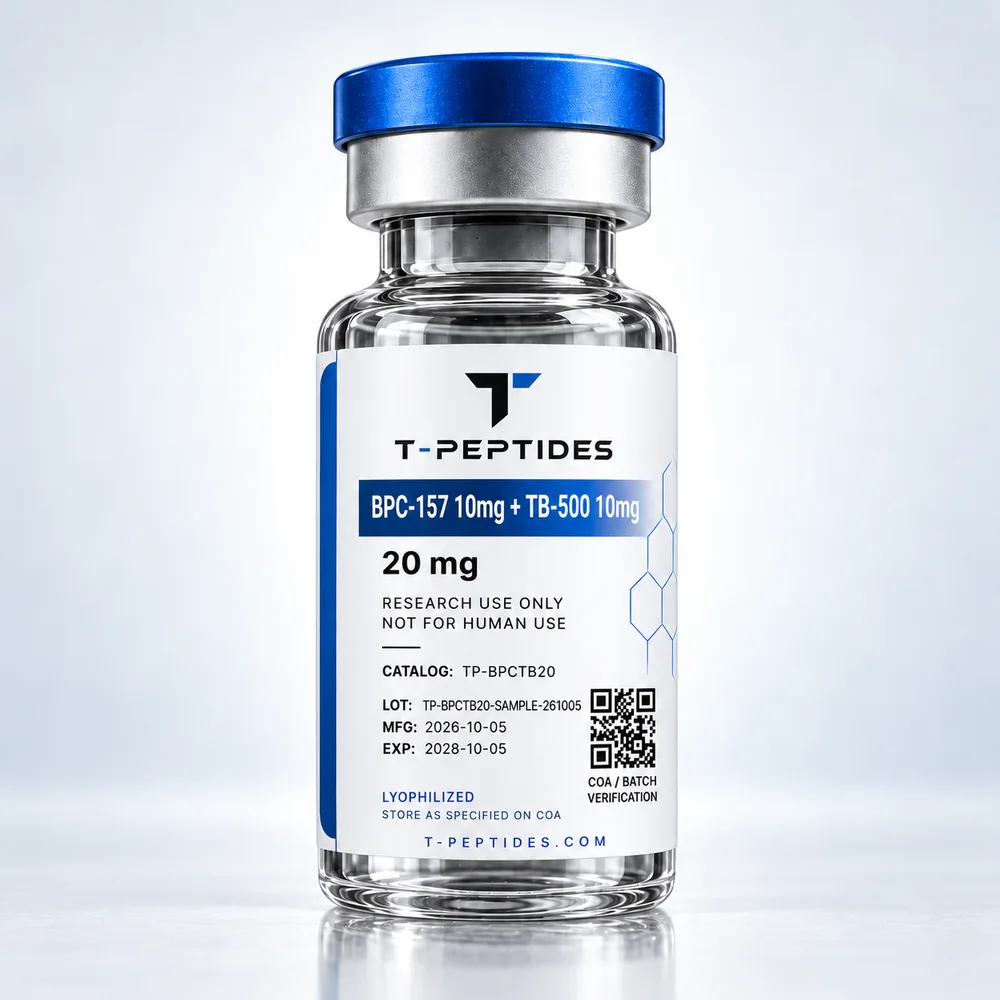
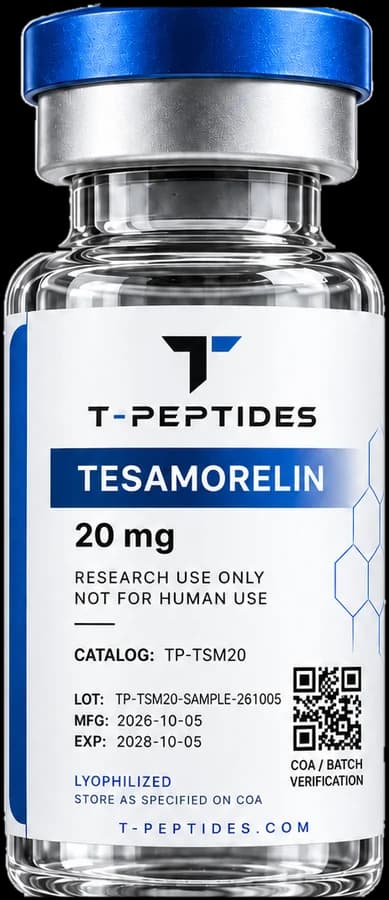
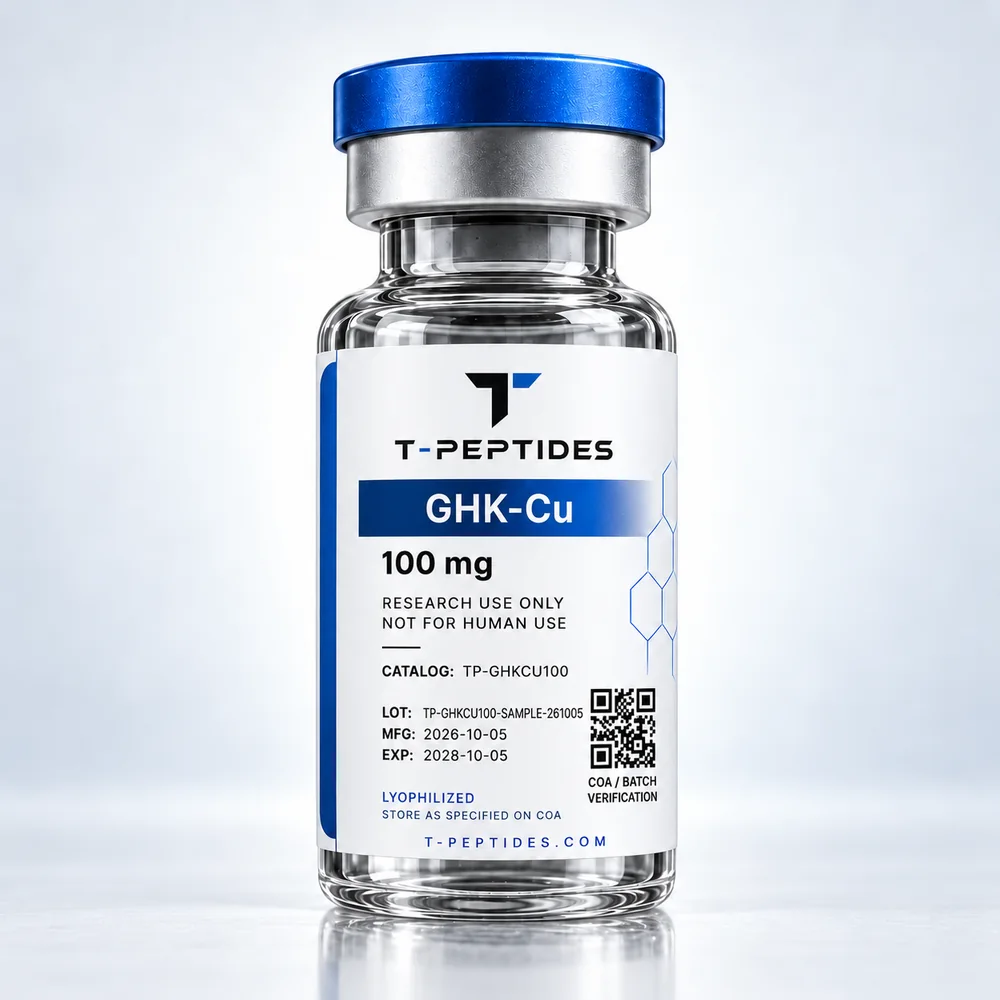
- Blue-cap closure
- Product & strength
- Research-use statement
- Batch & expiry
How it works
Where to find the batch number
- 01
Locate the label
The batch (LOT) and expiry (EXP) fields sit at the bottom of the vial label, below the research-use band.
- 02
Enter the number
Type the batch number exactly as printed. Letters, numbers and hyphens only; it is not case-sensitive.
- 03
Review the record
A matching record shows the product, strength, dates and documentation status. A COA link appears only where a document exists.
What verification means
A check on the record
Verification confirms that a batch number corresponds to a record T-PEPTIDES holds, and shows the product, dates and documentation status recorded against it.
It is not a test of the material in a vial. Analytical results come only from the documentation issued for a batch.
Batch records are published as documentation is issued. If a batch number from a T-PEPTIDES label returns no record, contact us with the number.
Read: what batch traceability means